Open, arrange, save
Read and write Bambu 3MF projects, arrange objects with space for the wipe tower, and preserve project attachments and settings.
Inside Family Print Lab
A local desktop app for projects, models and Bambu Lab printing, with an optional companion for your phone.
01 · Keep the idea together
Collect sketches, checklists, model versions and print history in one place. Give each household member their own projects, from first thought to finished object.
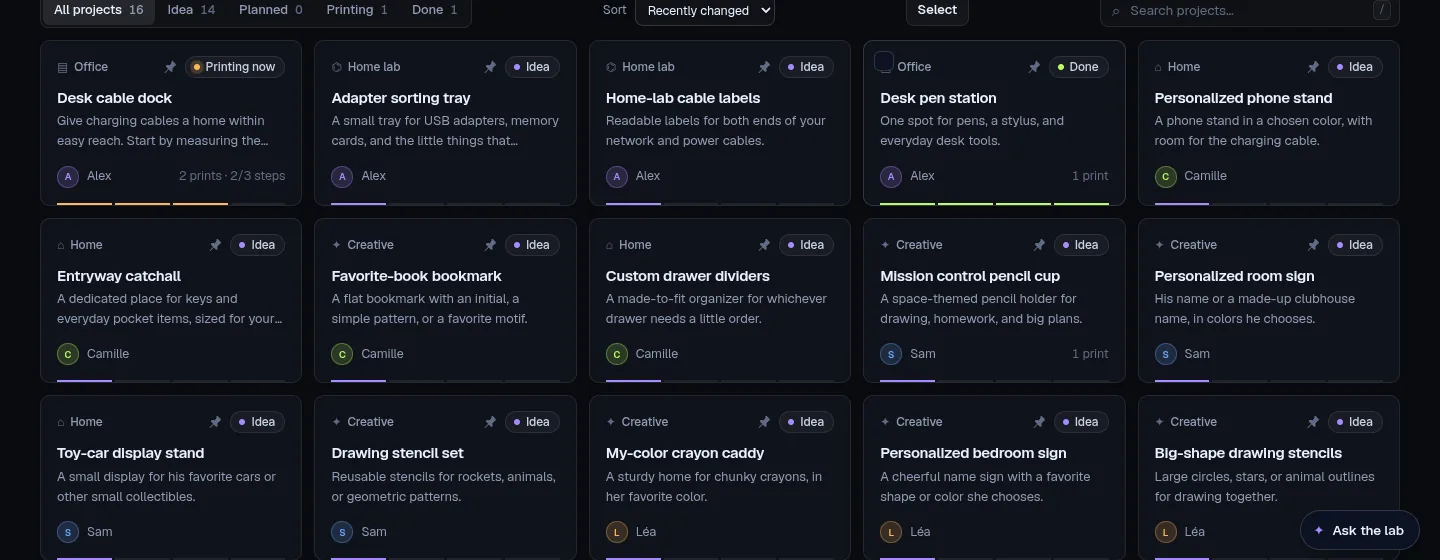
Find it againSearch, pin and organise projects by progress and person.
Bring a modelImport from supported MakerWorld, Printables and Thingiverse links, subject to the source’s access rules.
Keep the creditImported model credits and licence information stay visible on the project. Follow the creator’s terms.
02 · Shape it your way
Adjust OpenSCAD templates with sliders or work on an imported mesh. Keep versions as you go, export STL or 3MF, and round-trip to Blender when you need it.
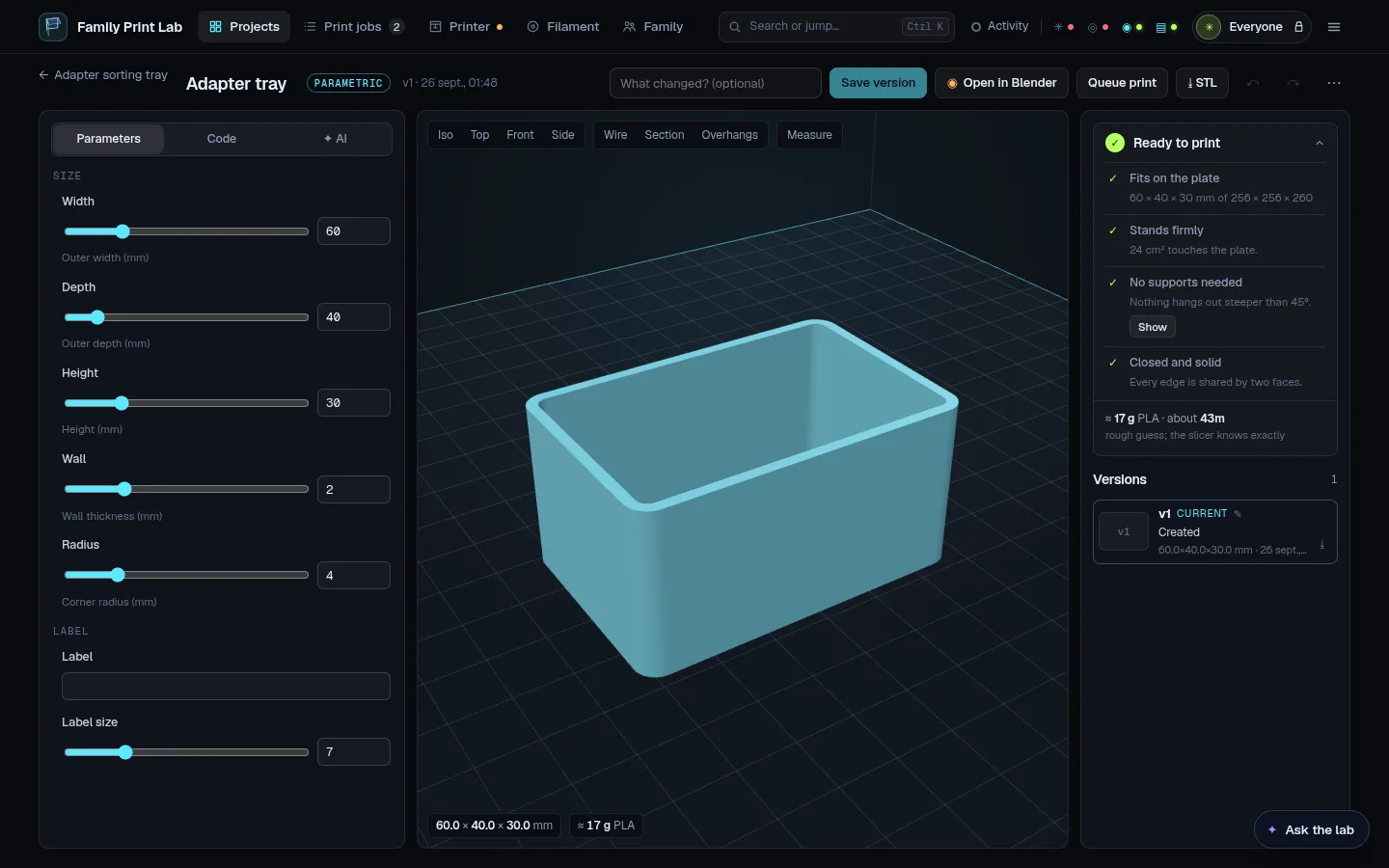
Everyday mesh toolsScale, cut, measure, simplify and combine models. Cut, emboss and boolean operations have limits for multi-part assemblies and editable text.
Check before printingReview size, placement and potential support needs. Checks help you decide; they do not guarantee a successful print.
Optional AI assistanceConnect your own supported Claude or ChatGPT setup to help generate editable models. Enabled requests send relevant prompts and attachments to that provider.
03 · Print Lab Slicer
The integrated workspace brings plate preparation, painting and slicing together. Its native engine builds on Bambu Studio’s libslic3r and ships on Linux in 2.2.0.
Read and write Bambu 3MF projects, arrange objects with space for the wipe tower, and preserve project attachments and settings.
Paint small regions with triangle splitting under the brush. Adjust variable layer height with extruder limits and a colour overlay.
Prepare multi-extruder filament groups, including H2D/X2D automatic mapping. Review the mapping against your actual printer setup.
On Linux, inspect the native engine’s preview and per-object time and filament estimates. Unavailable breakdowns stay unavailable.
2.2.0 bundles Print Lab Slicer. The release was built and smoke-tested on Ubuntu 22.04.
The desktop app is available. Slicing in 2.2.0 uses an installed copy of Bambu Studio.
The desktop app is available. Slicing in 2.2.0 uses an installed copy of Bambu Studio.
Project settings and unknown fields are preserved. Configuration errors detected by the engine block slicing. Calibration and advanced workflows have platform and printer limits. Read the release limitations.
04 · Know the workshop
Follow multiple printers, organise the queue, inspect AMS slots and watch filament stock. A completed print becomes part of your project history.
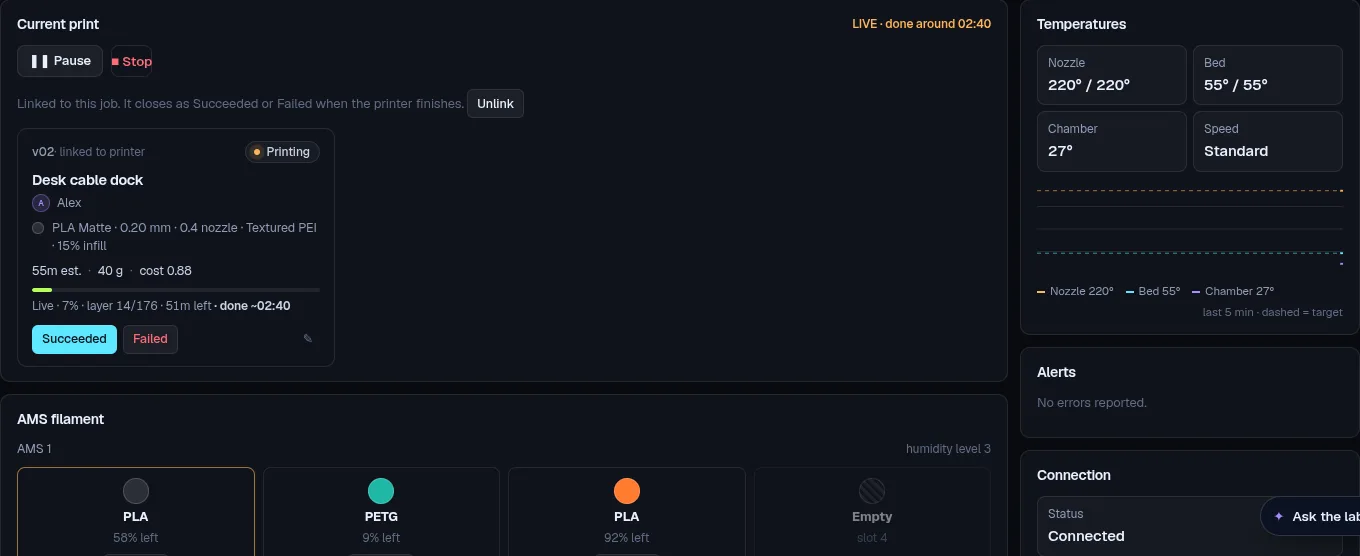
Print queuesPlan upcoming jobs and quiet hours. Plate clearance and local checks govern the next start.
Useful diagnosticsRead HMS explanations offline, including French translations. Camera support depends on the printer and available transport.
Filament you can countTrack spool weights, costs, low stock and print usage; connect Spoolman if you use it.
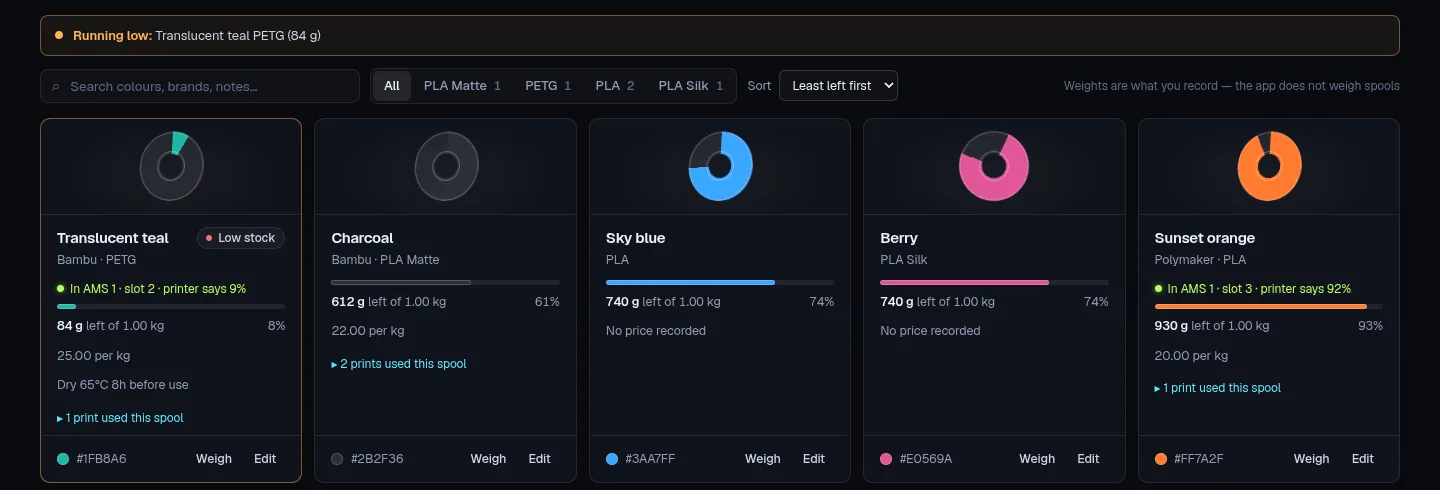
Printer integrations are tested against the simulator and protocol fixtures. No physical-printer verification is claimed.
05 · Make together
Kid mode gives young makers a simpler way in: choose a template, change its words and colours, and ask a grown-up to print it.
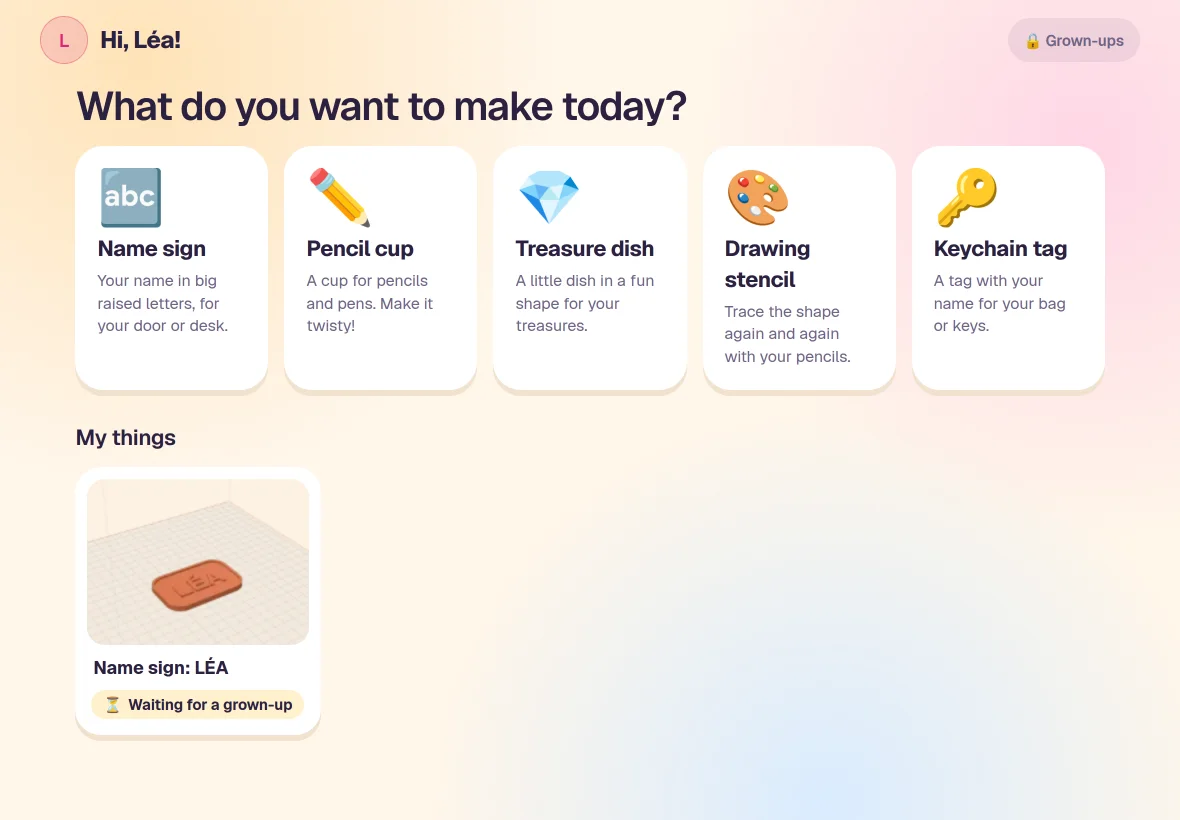
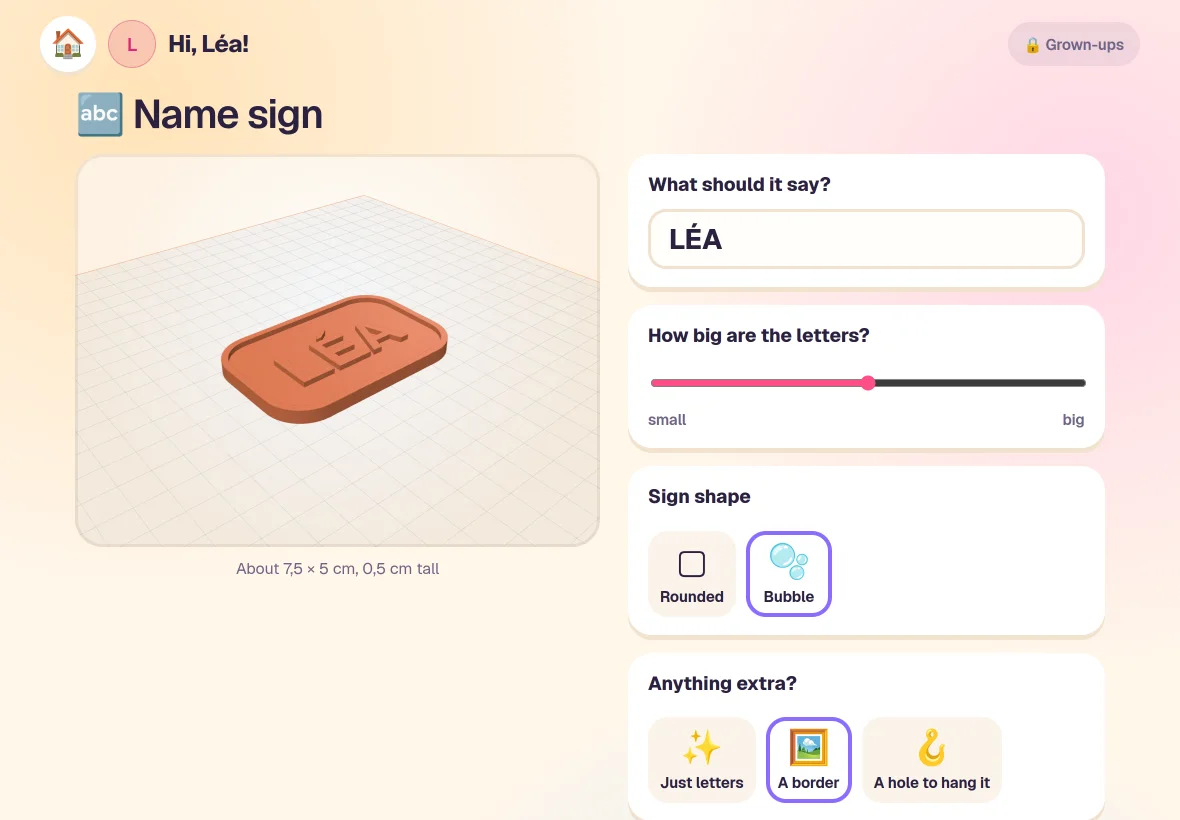
A space of their ownProfiles keep ideas and projects organised for each family member.
A grown-up’s decisionReview requests on the desktop, or on the phone with the optional Family plan.
Settings behind a PINParent settings and leaving kid mode require a PIN. Adults still supervise the printer and check each model.
06 · Print Lab Cloud
The desktop app is free and open source. Cloud is a separate, proprietary online companion. Link your computer, then enable the sharing you want.
| What you want to do | What you need |
|---|---|
| Projects, modelling, printer tools and kid mode | Free desktop app |
| Approve requests at home | Free desktop app |
| View shared printer status and queues on a phone | Free Cloud account; sharing enabled at home |
| Approve requests and receive notifications on a phone | Family plan |
| Use camera and remote printer controls | Family plan, paired phone key and local permission |
| Store encrypted Cloud backups | Family plan, backup enabled and recovery key |
Your phone signsPause, resume, stop and Start next commands are signed on your phone, relayed by Cloud and checked by the app at home.
Your app decidesThe computer must be online. Remote controls must be enabled locally, and starting a job must pass the desktop’s checks.
Your keys matterPair each computer once; the phone keeps all its keys and opens each computer’s encrypted status and queue details. Backups use a separate recovery key. Cloud still sees delivery metadata.
Without a phone key, opted-in status and queue sharing can reach Cloud in plain text. Print requests and command actions also pass through Cloud. Read the complete data details.